The Decision Framework
Before picking specific tools, it helps to think about your tech stack in terms of core functions rather than software categories. A service business genuinely needs five things to operate smoothly: a way to manage scheduling and client communication, a way to invoice and get paid, a way to track expenses and basic bookkeeping, a way to manage projects or client work, and a professional online presence. Everything else is optional until you've outgrown the basics.
The mistake a lot of new business owners make is choosing tools based on what looks impressive rather than what their actual workflow needs right now. A solo consultant doesn't need the same stack as a 10-person cleaning company, so the right approach is to map your specific daily operations first, then choose the simplest tool that covers each function well, rather than starting with a tool and trying to fit your business around it.
Scheduling and Client Communication: $0–$30/month
For service businesses that rely on appointments or client meetings, a scheduling tool eliminates the back-and-forth of finding a time that works. Calendly's free tier covers basic single-event-type scheduling, which is enough for many solo operators, while its paid tier (around $10-12/month) adds multiple event types and reminders that reduce no-shows, a real cost saver if missed appointments are cutting into your revenue.
For client communication beyond scheduling, a dedicated business phone number through a service like Google Voice (free) or a basic plan through a VoIP provider (typically $15-20/month) keeps your personal number separate from client calls, which matters both for professionalism and for maintaining boundaries around your time.
Recommended allocation: $10-20/month covering scheduling and a dedicated business line.
Invoicing and Payments: $0–$30/month
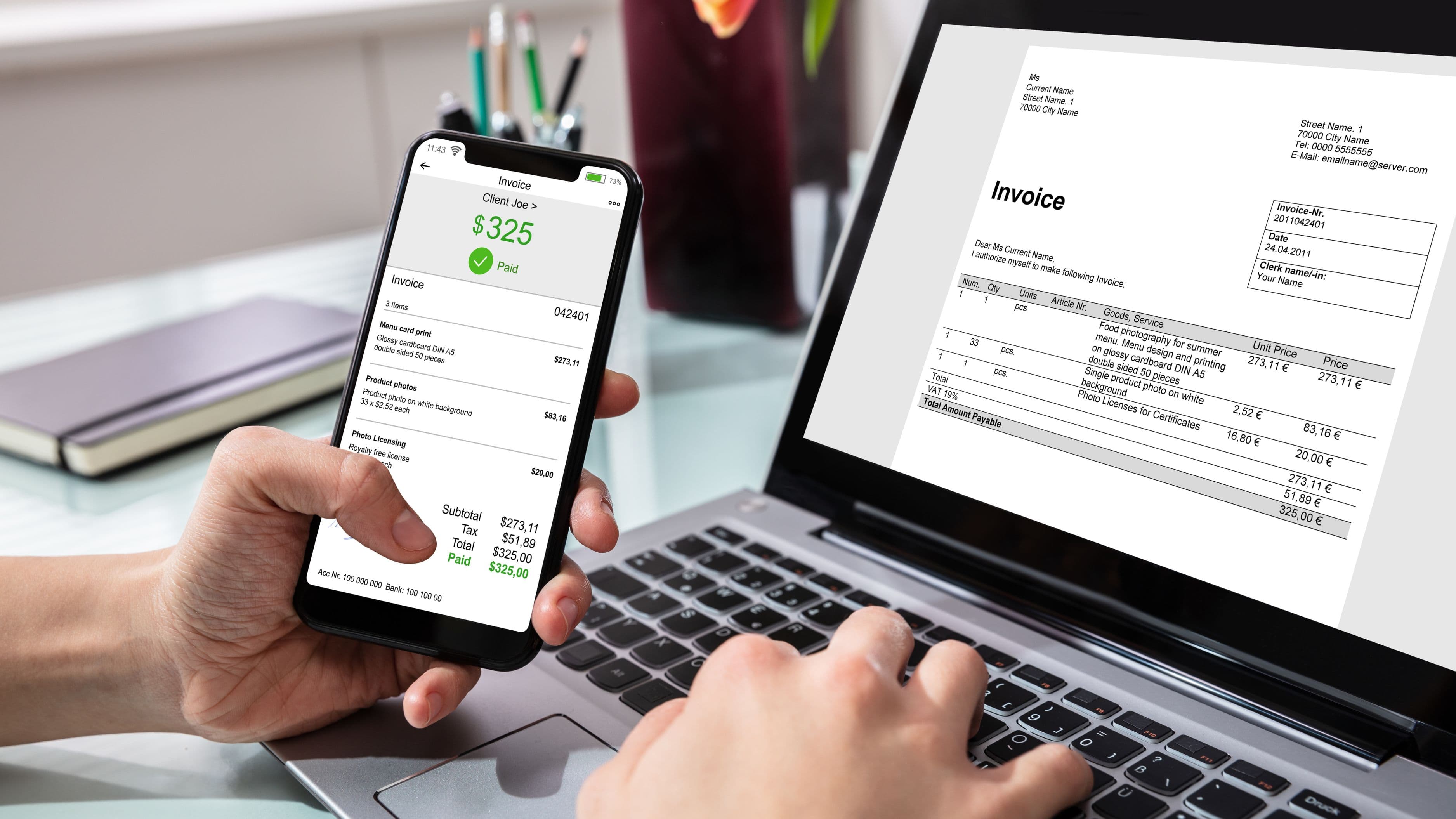
This is one area where free tools genuinely hold up well for small operations. Wave offers free invoicing and basic accounting features funded by payment processing fees rather than a subscription, making it a strong starting point if you don't need advanced reporting. PayPal and Square both offer free invoicing tools as well, charging only transaction fees (typically 2.9% plus a small flat fee) rather than a monthly cost, which works in your favor if your invoice volume is still relatively low.
If you're processing a high volume of invoices or need more robust payment tracking and recurring billing, a paid tier of a tool like QuickBooks ($30-35/month for the starter plan) might be worth the cost once your invoicing volume justifies the better automation and reporting.
Recommended allocation: $0-30/month, starting free and upgrading only once invoice volume or feature needs justify it.
Bookkeeping and Expense Tracking: $0–$30/month
Separating personal and business finances matters from day one, both for tax purposes and for getting an accurate read on your actual profitability. Wave's free accounting features, paired with a dedicated business checking account and debit card, cover basic expense tracking adequately for many service businesses in their early stages.
If your business has grown complex enough to need automated expense categorization, receipt scanning, or integration with a separate payroll system, QuickBooks Simple Start ($30/month) or a similar tier becomes worth considering.
Recommended allocation: $0-30/month, with most very early-stage businesses comfortably starting at the free tier.
Project and Client Management: $0–$50/month
For businesses managing multiple ongoing client relationships or projects, a centralized system prevents details from getting lost in scattered emails and text threads. Trello's free tier handles basic project tracking for individuals or very small teams, while tools like Asana or ClickUp offer free tiers sufficient for a solo operator or two-person team, with paid tiers ($10-13/user/month) unlocking more advanced features like timeline views and automation once you're managing a higher volume of concurrent client work.
For client-facing project management specifically, tools like Honeybook or Dubsado (roughly $19-40/month depending on plan) combine client portals, contracts, and project tracking in one place, which can be worth the cost for service businesses with a more formal client onboarding process, like consultants, designers, or wedding and event professionals.
Recommended allocation: $0-50/month depending on how client-facing and complex your project management needs are.
Website and Online Presence: $0–$30/month
A basic, professional website doesn't require a custom build or a large budget. Platforms like Squarespace or Wix offer plans in the $16-30/month range that include hosting, a custom domain, and enough design flexibility for most service businesses to look credible and professional without hiring a developer.
If budget is especially tight in the early stages, a free option like a well-built Google Business Profile combined with active social media presence can serve as a temporary placeholder while you validate demand, though most growing service businesses eventually benefit from a dedicated website for credibility and search visibility.
Recommended allocation: $0-30/month, with most established service businesses landing around $16-25/month for a basic but professional site.
Putting the Full Stack Together
Here's what a realistic, complete stack looks like for a solo or very small service business staying comfortably under $300/month: scheduling and phone ($15), free invoicing through Wave ($0), free bookkeeping through Wave ($0), project management through a free or low-cost tier ($15), and a basic professional website ($20). That totals around $50/month for a fully functional setup, leaving significant room in the $300 budget for growth tools, a CRM upgrade, or additional software as your business scales.
Even a more feature-rich version of this stack, using paid tiers across invoicing, project management, and a client portal tool, typically lands in the $150-220/month range, still comfortably under the $300 ceiling while offering considerably more automation and polish.
What to Avoid
Avoid signing up for annual contracts on tools before you've used the free trial or monthly tier long enough to confirm the tool actually fits your workflow, since switching software later is more disruptive than most business owners expect once client data and workflows are built into it. It's also worth avoiding the trap of paying for overlapping functionality, like a project management tool with built-in invoicing while also paying separately for a dedicated invoicing tool, which happens more often than people realize once a stack grows organically without a periodic review.
Don't assume more expensive automatically means better for your specific stage of business. Many service businesses operate successfully for years on free or low-cost tiers of tools like Wave and Trello, only upgrading once a specific limitation, not a vague sense that they "should" have better software, actually starts limiting their operations.
Real-World Example
A solo bookkeeper serving 15 small business clients built her entire tech stack around Wave for invoicing and accounting (free), Calendly's paid tier for scheduling client calls ($10/month), Trello for tracking client deliverables (free), and a basic Squarespace website ($18/month), landing at roughly $28/month total. As her client base grew past 25 clients, she upgraded to QuickBooks ($30/month) for better reporting and added a paid project management tier ($24/month), bringing her total to around $90/month, still well under the $300 ceiling while supporting a meaningfully larger client load.
FAQ
Is it risky to rely on free tiers of business software long-term? Not inherently, as long as you understand the limitations (storage caps, user limits, feature restrictions) of the free tier and have a plan for upgrading once those limits start affecting your operations rather than being caught off guard.
Should I prioritize an all-in-one tool over separate specialized tools? It depends on your workflow complexity – an all-in-one tool reduces the number of subscriptions and logins to manage, but specialized tools often perform individual functions better, so the right choice depends on whether you value simplicity or best-in-class performance for each function.
How do I know when it's time to upgrade from a free tier? The clearest signal is hitting an actual limitation, like running out of storage, needing a feature the free tier doesn't offer, or spending noticeable time working around a restriction, rather than upgrading preemptively based on what other businesses use.
What's the biggest tech spending mistake new service business owners make? Signing up for too many tools too quickly, often paying for overlapping features across multiple subscriptions, before they've established a clear workflow that shows exactly what functions they actually need covered.
A lean, well-chosen tech stack can absolutely support a professional, efficient service business well under a $300 monthly budget. Start with the free or low-cost tier of each core function, upgrade only when a real limitation shows up, and resist the pull toward tools that look impressive but don't match what your business actually needs right now.
📚 Sources
U.S. Small Business Administration – Choosing Business Software - https://www.sba.gov/business-guide/manage-your-business/choose-business-software
Wave Financial – Free Accounting Software Overview - https://www.waveapps.com/accounting