The issue isn't that POS systems are bad. It's that they're sold on headline features and monthly software fees, while the real costs – payment processing rates, hardware lock-in, integration fees, contract penalties, and time spent managing a tool that isn't quite right for your business – are buried in the fine print or discovered after the fact. For a small business with tight margins, those hidden costs can accumulate into a meaningful drag on profitability that never shows up in the sales pitch.
The Sticker Price Is Only the Beginning
Most POS providers advertise a monthly software fee as the primary cost – $0 to $69 per month on the low end, scaling up with features and locations. That number is real, but it's rarely the dominant cost of running a POS system. The dominant cost is almost always payment processing.
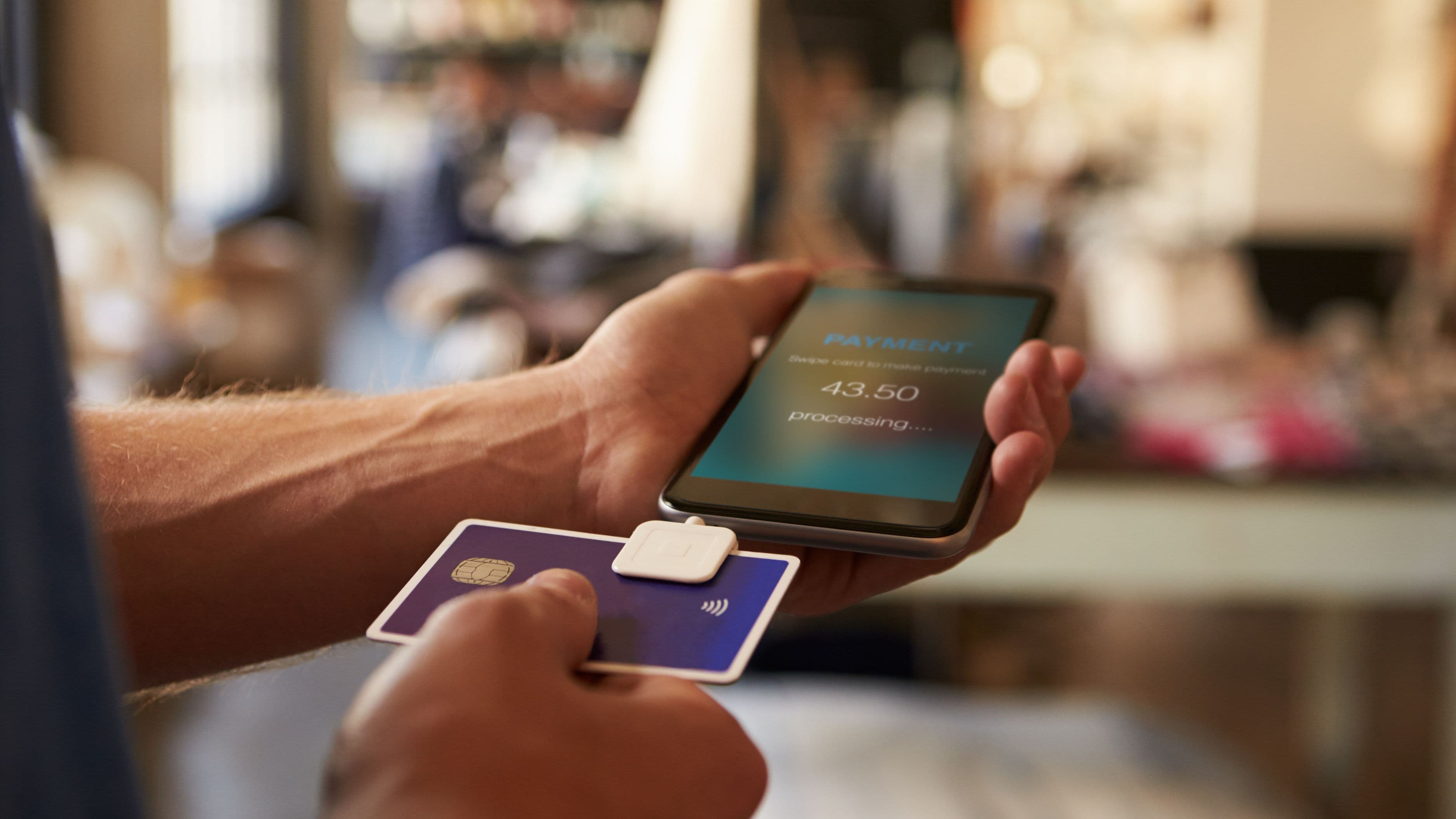
Every card transaction you process through your POS runs through a payment processor, and that processor takes a cut – typically expressed as a percentage plus a flat fee per transaction. Square, for example, charges 2.6% + 10 cents for in-person card transactions on its standard plan. Toast charges 2.49% + 15 cents. Clover's rates vary by plan but typically run 2.3% to 2.6% plus per-transaction fees. These numbers look small in isolation, but at scale they're significant. A restaurant doing $500,000 in annual card volume at 2.6% is paying $13,000 per year in processing fees alone – before any monthly software cost.
The more important question isn't what the processing rate is, but whether you can use a different processor. Some POS systems – Square and Toast are notable examples – use proprietary payment processing that's built into the system. You can't bring your own processor or negotiate rates with a third party. Others, like Lightspeed or Shopify POS, allow integration with external processors, which gives you more room to negotiate as your volume grows. If you're processing significant volume and the POS locks you into a single processor, you're giving up the ability to shop for better rates as your business scales – and that loss of leverage has real dollar value.
Hardware Costs That Compound Over Time
Hardware is a one-time cost that often feels manageable at the point of purchase and less manageable in practice. A basic tablet-based POS setup – the tablet, a card reader, a stand, a receipt printer, and a cash drawer – can run $600 to $1,500 for a single station. Multi-station setups for restaurants or retail with customer-facing displays, kitchen display screens, or self-checkout terminals can run $3,000 to $8,000 or more in hardware alone.
The real problem isn't the initial purchase – it's what happens when something needs to be replaced or when you want to switch providers. Most POS hardware is proprietary or semi-proprietary. A Square Terminal won't run Toast software. A Clover Station is locked to Clover's ecosystem. If you decide in two years that you want to switch POS providers because a competitor offers better rates or features, you may be starting your hardware investment over from scratch. This lock-in isn't illegal or even unusual – it's a deliberate part of most POS providers' business models – but it's a cost that rarely appears in the initial purchase calculation.
Some providers offer hardware rental or leasing programs as an alternative to outright purchase, which lowers the upfront cost but often results in higher total costs over a multi-year period. If a provider is offering you POS hardware on a lease, calculate the total cost across the full lease term and compare it against purchasing – the result is often surprising.
Integration Fees You Don't Find Out About Until You Need Them
Modern POS systems integrate with accounting software, payroll platforms, e-commerce stores, reservation systems, loyalty programs, and inventory management tools – but not always for free. Integration costs are one of the most commonly underestimated parts of the total POS cost equation.
Some integrations are native and included in the software subscription. Many are third-party and either require a separate monthly subscription to the integration tool or carry an additional fee on top of the POS subscription. Syncing your POS to QuickBooks might require a $30/month third-party connector. Adding a reservation integration for a restaurant might cost $50 to $100/month more. A loyalty program built on a third-party platform rather than the POS's native tools might add another $50/month. These costs aren't hidden in a deceptive sense – they're disclosed if you ask – but they're not included in the headline monthly fee, and they add up quickly in a business that needs a full stack of integrations to operate efficiently.
The integration that catches businesses most off guard is e-commerce sync. If you sell both in-store and online and need your inventory to update in real time across both channels, you need a POS that either natively supports the e-commerce platform you use or offers a reliable integration. Some POS systems handle this seamlessly and cheaply. Others offer integrations that are technically available but operationally clunky – requiring manual reconciliation or producing sync errors that create inventory discrepancies. The cost of that friction isn't a line item, but it's real labor time every week.
Contract Terms and Exit Penalties
Month-to-month flexibility is one of the things POS providers often advertise, and many do offer genuine month-to-month software subscriptions. But not all providers offer month-to-month terms for everything, and some – particularly those with proprietary payment processing – use multi-year contracts for the full service agreement.
Payment processing agreements sometimes carry early termination fees (ETFs) that aren't clearly disclosed until you're trying to leave. A processing contract with a three-year term and a $500 to $2,000 early termination fee significantly changes the actual flexibility of a "monthly" plan. If you discover after six months that the system isn't working for your business, leaving early has a real cost.
Merchant account contracts separate from the POS software subscription are another area where small business owners get surprised. Some POS providers bundle merchant account setup with their service in a way that creates a separate contractual relationship with a payment processor that has different terms than the POS software itself. Understanding the full contractual picture – POS software terms, hardware purchase or lease terms, and any payment processing agreement – before signing anything is worth the time it takes to read and, if needed, have a knowledgeable person review.
The Opportunity Cost of the Wrong System
Beyond direct costs, there's an indirect cost that's harder to measure but just as real: the opportunity cost of running on a POS system that doesn't fit your business well. A restaurant using a retail-focused POS that doesn't handle table management, modifiers, or kitchen ticket routing efficiently is paying for that mismatch in slower service, more errors, and staff frustration – even if the monthly fee looks cheap on paper. A retail business using a hospitality-focused POS that lacks robust inventory management is doing manual reconciliation work that the right tool would eliminate.
Choosing a POS based primarily on low upfront cost or aggressive sales outreach, rather than on whether it's genuinely the right fit for your business type and volume, is one of the most common and most avoidable sources of ongoing POS-related cost. The right system for your business is the one that reduces operational friction and doesn't require workarounds – not necessarily the one with the lowest headline price.
How to Evaluate a POS System Before You Commit
The most useful thing you can do before selecting a POS is to build your own cost model rather than relying on the provider's projections. Start by calculating what your actual annual processing volume is in dollars, then apply each provider's processing rate to that number. Add the monthly software fee multiplied by 12. Add realistic integration costs for the tools you actually need. Add a hardware cost amortized over a reasonable useful life (three to five years is reasonable for most hardware). That's your real annual cost for each option you're evaluating.
Then compare that number against what you're currently paying, or against the most competitive alternative you can find. If you're currently using a simpler setup – a basic card reader plus spreadsheet inventory tracking – the comparison needs to include an honest assessment of the value of the features you'd be gaining, not just the fee you'd be paying. A $200/month all-in POS cost that saves you six hours of manual work per week and reduces shrinkage by $5,000/year is a good deal. The same $200/month that adds complexity without proportional operational improvement is not.
Before finalizing any decision, ask the provider directly: Can I use a third-party payment processor? What are the early termination terms for the full agreement – software, hardware, and processing? What integrations cost extra and what's included? What happens to my data if I leave? Providers who are worth working with answer these questions directly and in writing.
Who Should Think Twice About Upgrading to a Full POS
Not every business needs a full-featured POS system, and smaller businesses with lower transaction volume often do better with simpler, cheaper solutions. If you process under $10,000 per month in card volume, the efficiency gains of a sophisticated POS system are often outweighed by its cost and complexity. A basic card reader from Square or Stripe, combined with simple accounting software, may serve the same function at a fraction of the total cost.
Businesses with highly variable or seasonal volume should also think carefully about POS commitments. A business that does 80% of its revenue in three months doesn't need to pay for a full-featured POS at annual subscription rates for the other nine. Flexible, pay-as-you-go arrangements – even if the per-transaction rate is slightly higher – may result in lower annual costs for businesses with uneven revenue patterns.
Service businesses that don't have inventory management needs – consultants, coaches, solo service providers – rarely need a traditional POS at all. A simple invoicing and payment tool like Wave, FreshBooks, or Stripe handles their payment needs at significantly lower cost than any retail or hospitality POS.
What to Avoid
Signing a multi-year processing agreement without fully reading the early termination provisions is the single most costly mistake in the POS purchase process. Read the full agreement, not just the summary, before you sign.
Choosing a POS primarily based on a free hardware offer is another common trap. Free hardware bundles are typically subsidized by higher processing rates or longer contract commitments. The math rarely favors the business owner – it's a financing arrangement dressed as a promotion.
Assuming that a POS used by another business in your industry is automatically right for yours is also worth avoiding. Business needs vary significantly even within the same sector, and the right POS for a high-volume quick-service restaurant is different from what serves a boutique fine-dining establishment. Use the evaluation framework above rather than defaulting to what's popular or what someone else recommended without understanding your specific situation.
FAQ
Is it worth switching POS systems if I'm already locked into one? It depends on what you're paying in aggregate and what it would cost to exit your current agreement. Calculate your current all-in annual cost (processing, software, integrations, hardware), compare it against the best alternative you can find including any switching costs (ETF, new hardware), and decide on the numbers rather than on frustration alone. Sometimes the switching cost pays back quickly; sometimes it doesn't.
What's the most important fee to compare between POS systems? For most businesses, payment processing rates matter more than software fees. Small differences in processing rates have large absolute dollar impacts at meaningful transaction volumes. A 0.3% difference in processing rate on $600,000 in annual volume is $1,800 per year – enough to offset a significant difference in monthly software costs.
Can I negotiate POS pricing? Software fees are usually fixed at published rates for small businesses. Processing rates are more negotiable, particularly if you have high volume or are willing to commit to a longer-term arrangement. If you're processing more than $30,000 to $50,000 per month, it's worth asking directly for a custom rate rather than accepting the published standard rate.
What's the difference between a POS system and a merchant account? A POS system is the software and hardware that handles the transaction at the point of sale. A merchant account is the financial account that receives and holds funds from card transactions before they're transferred to your bank account. Some POS providers bundle both together. Others use a payment facilitator model (like Square) where you're on a master merchant account rather than your own dedicated merchant account, which simplifies setup but limits control over funds.
Are free POS systems actually free? Free POS software plans exist and are genuinely free to use, but they make money from payment processing fees. The cost isn't the software subscription – it's the processing rate you pay on every transaction. "Free" POS software is really a payment processing product with a free interface attached to it.
📚 Sources
Square – Payment Processing Fee Structure: https://squareup.com/us/en/payments/our-fees
Federal Trade Commission – Understanding Merchant Account Agreements: https://www.ftc.gov/business-guidance/resources/understanding-your-merchant-account-agreement
CFPB – Small Business Lending and Payment Processing: https://www.consumerfinance.gov/compliance/supervisory-guidance/small-business-lending/
U.S. Small Business Administration – Choosing the Right Payment Processor: https://www.sba.gov/blog/how-choose-best-payment-processor-your-small-business
National Federation of Independent Business – POS System Costs for Small Business: https://www.nfib.com/content/resources/money/point-of-sale-systems-for-small-business/