This guide breaks down what's genuinely essential, what's situational, and what you can safely skip when you're first getting started, so your initial setup matches your actual business rather than a generic bundle.
The Essentials Almost Every Business Needs
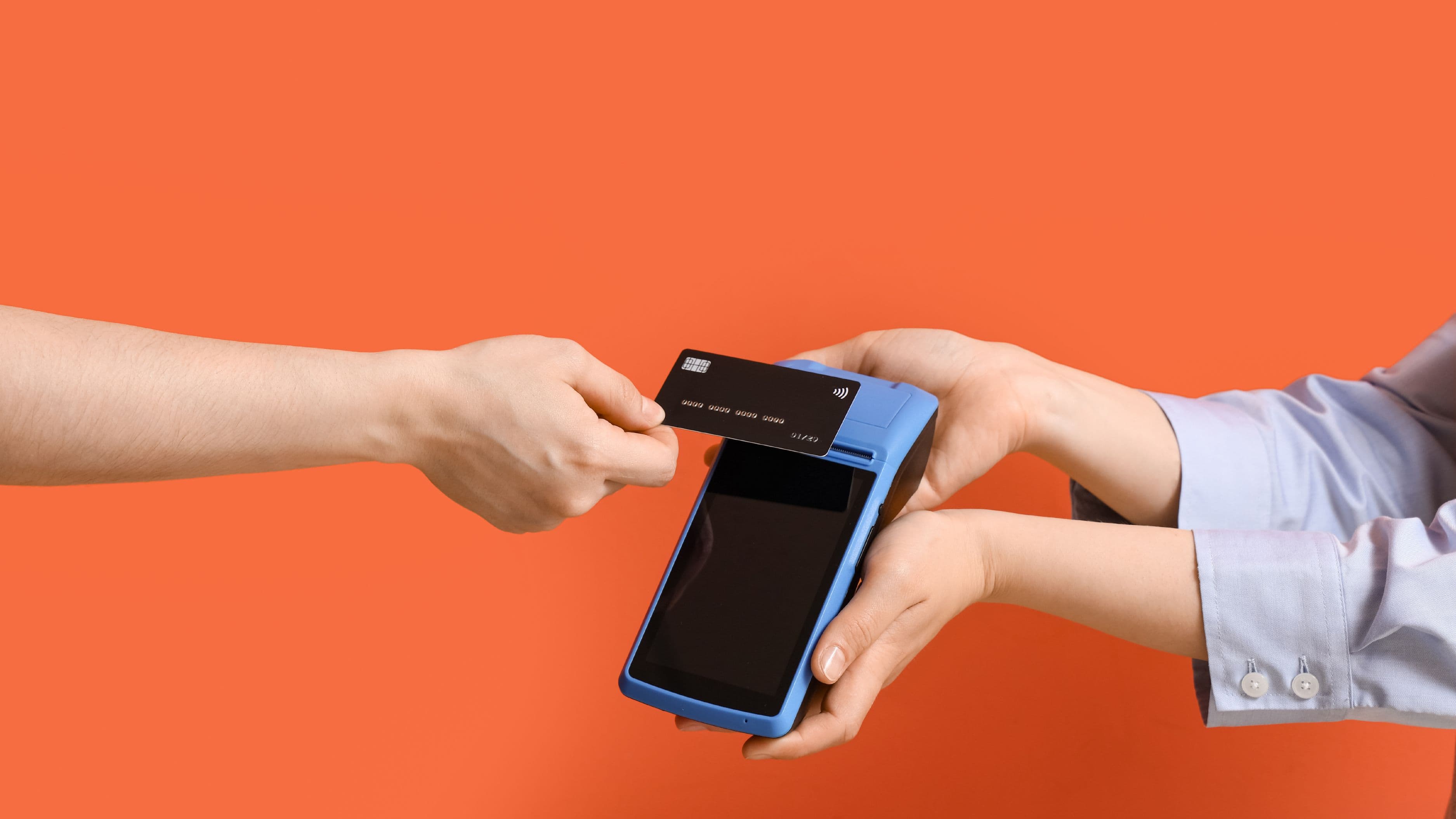
A card reader or payment terminal. This is the one piece of hardware that's close to universally necessary, since very few customers today carry enough cash to make a cash-only setup practical. Basic card readers from providers like Square, Clover, or Stripe typically range from $0 to $60 for a simple mobile reader that connects to a smartphone or tablet, up to $200 to $400 for a standalone countertop terminal with a built-in screen. For a genuinely new business testing the waters, starting with the cheaper mobile reader option and upgrading later once volume justifies it is usually the more financially sensible path.
A tablet or smartphone to run your POS software. Most modern POS systems, whether Square, Clover, Toast, or Shopify POS, run through an app on a tablet or smartphone rather than requiring dedicated proprietary hardware. If you already own a reasonably modern tablet or smartphone, many POS providers let you use it directly, which can save several hundred dollars compared to purchasing a dedicated device bundled through the provider. This is one of the most overlooked cost-saving opportunities for new businesses, since providers often push their own branded tablet as part of a bundle when your existing device would work just fine.
A reliable internet or cellular connection. Nearly all modern POS systems require an internet connection to process payments and sync sales data, whether through Wi-Fi or a cellular-connected device. For a physical retail location, confirming reliable Wi-Fi coverage at your specific point-of-sale location, not just somewhere in the building, is worth testing before opening day, since a dead spot at your checkout counter creates a problem no amount of good hardware can solve.
Situational Hardware: Depends on Your Business Type
A receipt printer. Many customers are comfortable with digital, emailed, or texted receipts, which has made a physical receipt printer optional rather than essential for a lot of new businesses, particularly service-based or mobile setups. Retail businesses with high transaction volume, or where customers commonly expect a printed receipt, like a coffee shop or quick-service restaurant, generally benefit from adding one, typically costing $80 to $250 depending on print speed and connectivity.
A cash drawer. If your business plans to accept cash at all, even occasionally, a cash drawer that integrates with your POS system, generally $50 to $150, keeps transactions organized and provides a physical record that syncs with your digital sales data. Businesses that are genuinely card-only from day one, which has become more common for certain service businesses and some retail concepts, can reasonably skip this entirely.
A barcode scanner. This becomes genuinely important once you're managing meaningful retail inventory, since manually searching for products in your POS system for every sale slows down checkout and increases the chance of pricing errors. A basic USB or Bluetooth barcode scanner runs $30 to $100 and pays for itself quickly in checkout speed once you have more than a handful of distinct SKUs to manage. Service businesses or those with a very small, simple product catalog can typically skip this initially and add it later if inventory complexity grows.
A kitchen display system or order printer. Specific to food service businesses, this hardware routes orders directly to kitchen staff without requiring a server to physically deliver a paper ticket. For a new restaurant or food truck, this is worth including from the start if kitchen and front-of-house staff are physically separated, but it's unnecessary for retail or most service-based businesses outside food service entirely.
What You Can Safely Skip at Launch
Multiple integrated stations for a single-location business with light volume. Many providers offer multi-terminal setups designed for businesses running several checkout lanes simultaneously, but a new business with modest early foot traffic rarely needs more than one primary station to start. Adding a second terminal later, once actual customer volume demonstrates the need, avoids paying for capacity you're not yet using.
Premium, branded tablet stands and enclosures. POS providers often bundle proprietary tablet stands, card reader docks, and branded enclosures into higher-priced packages. These can genuinely improve the customer-facing experience over time, but they're rarely essential for getting your first sales processed, and third-party equivalents or simply holding a device by hand during initial operations works perfectly well for a launch phase.
Advanced inventory management hardware. Tools designed for complex multi-location inventory tracking, RFID scanning systems, or automated stock-level hardware integrations are built for businesses with a scale and complexity most new businesses haven't reached yet. Basic POS software inventory tracking, paired with manual counts initially, is generally sufficient until your product catalog and locations grow enough to justify the added investment.
How to Decide What Your Specific Business Needs
Start by identifying your business type, retail, food service, or service-based, since that alone eliminates several hardware categories immediately. From there, estimate your realistic transaction volume for the first three to six months rather than your eventual goal volume, since hardware needs scale with actual usage, not aspirational projections. A new coffee shop expecting steady daily foot traffic has fundamentally different hardware needs than a mobile pet grooming service processing a handful of transactions a day directly from a phone.
Finally, check what your chosen POS software provider includes or requires specifically, since Square, Clover, Toast, and Shopify POS each have slightly different hardware compatibility and bundling structures. Confirming exact compatibility before purchasing any third-party hardware, especially receipt printers or barcode scanners, avoids the frustrating and costly mistake of buying equipment your specific software doesn't support.
A Real-World Example
Consider a new home bakery transitioning from selling exclusively online to also accepting in-person orders at a local farmers market. Their actual needs are minimal: a mobile card reader connecting to a smartphone they already own, and a basic POS app to log sales and inventory. They don't need a cash drawer if they're operating card-only, don't need a barcode scanner given their small, simple product line, and certainly don't need a full countertop terminal or kitchen display system. Total hardware investment for this setup often lands under $100, compared to the $500 to $1,000 they might have spent had they purchased a generic "retail starter bundle" without evaluating their actual, specific needs first.
What to Avoid
Buying a bundled hardware package before confirming what your specific POS software actually requires is one of the most common ways new business owners overspend, since bundles are designed to maximize the provider's sale, not necessarily to match your specific business type. It's also worth avoiding hardware purchases based purely on what a competitor or similar business down the street uses, since their transaction volume, product complexity, and customer expectations may look nothing like yours even in a similar industry.
Underestimating the value of testing your actual checkout location's internet or cellular signal before opening day is another common oversight, since even the best hardware setup fails without a reliable connection to actually process payments.
FAQ
Can I start a POS setup using just my personal smartphone? Yes, in many cases. Most major POS providers, including Square and Shopify POS, support running their full app directly on a personal smartphone or tablet, which can meaningfully reduce your initial hardware costs compared to purchasing dedicated equipment.
Do I need a receipt printer if most of my customers use digital receipts? Not necessarily. Many new businesses, particularly service-based or lower-volume retail operations, function well with email or text receipts only, adding a physical printer later if customer demand or transaction volume increases.
How much should a new small business expect to spend on POS hardware at launch? This varies significantly by business type, but many new, low-volume businesses can launch with functional hardware for under $200 by using existing devices and adding only the specific components their business model actually requires, rather than purchasing a full bundled package upfront.
📚 Sources
U.S. Small Business Administration, "Choose Your Business Structure and Setup" – https://www.sba.gov/business-guide/launch-your-business
Federal Trade Commission, "Processing Payments" – https://www.ftc.gov/business-guidance/resources
SCORE, "Choosing the Right Point-of-Sale System" – https://www.score.org/resource/blog-post/choosing-right-pos-system-your-small-business