The good news is the market for small business payment apps is genuinely competitive. The challenge is that the right choice depends heavily on how your business operates – where you sell, how much you sell, what you sell, and what other tools your payments need to connect with. This guide breaks down how to think through that decision without getting lost in feature lists.
Start With How Your Business Actually Takes Money
Before comparing apps, spend five minutes mapping how your business actually receives payments. This determines which features matter and which you'll never touch.
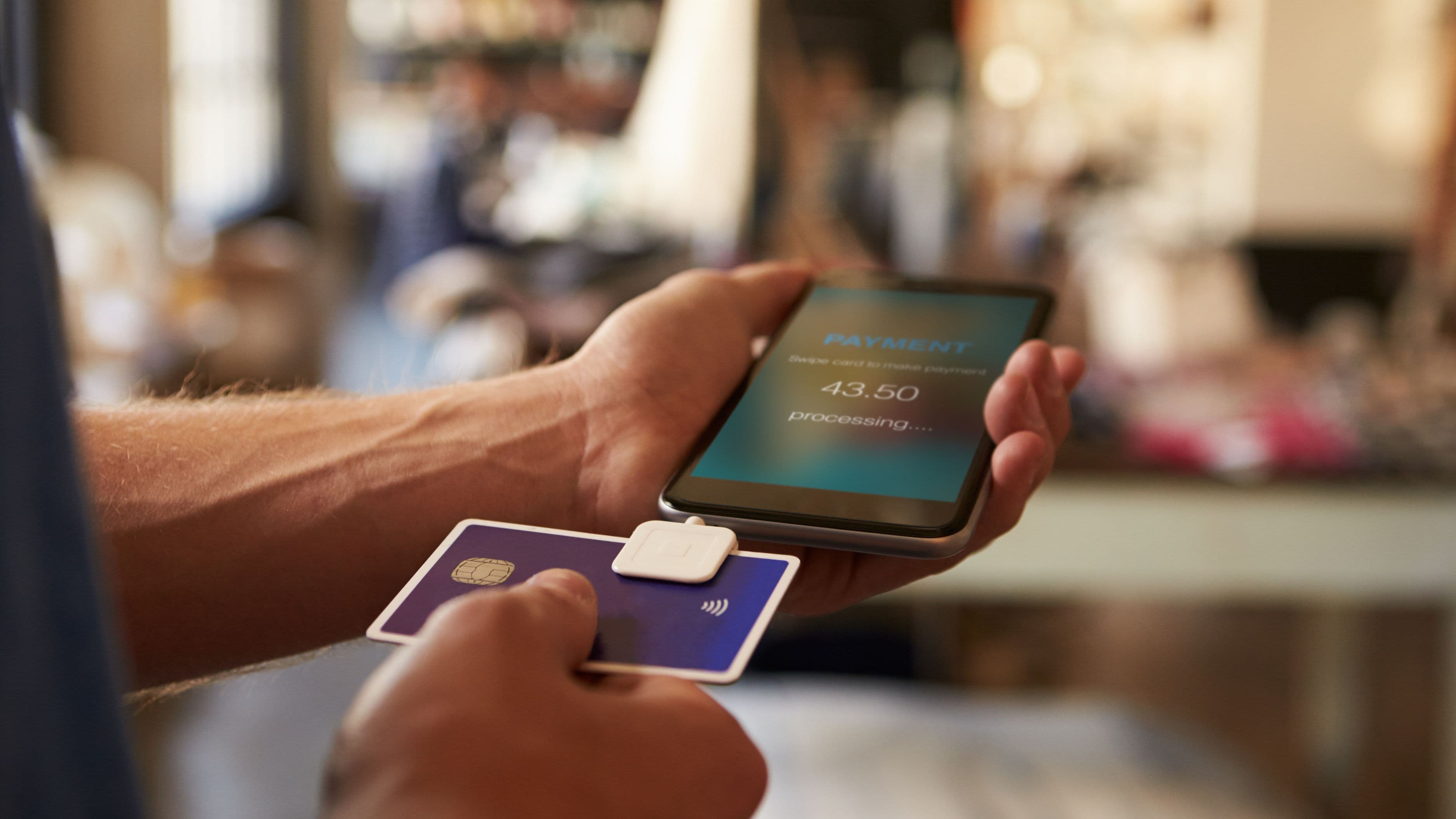
If you sell primarily in person – a retail shop, a food stall, a service business that invoices on-site – your priority is a reliable card reader, fast transaction processing, and a clean point-of-sale interface. If you sell primarily online through a website or marketplace, the in-person hardware matters less and your priority shifts to e-commerce integrations, payment link capabilities, and how cleanly the app connects to your store platform. If you're a service business that invoices clients – a consultant, freelancer, contractor, or agency – your focus is on invoice creation, online payment acceptance, and whether the app integrates with your accounting software.
Many businesses are a mix of all three, which is fine – but knowing your primary channel helps you weight the trade-offs correctly. A food truck operator who also sells merchandise online has different needs than a graphic designer who invoices clients and occasionally sells prints at markets.
Understanding the Fee Structures That Actually Affect You
Payment processing fees look simple on the surface and get complicated quickly. Here's what you're actually paying for.
The core fee is the transaction rate – a percentage of each sale, sometimes plus a flat per-transaction amount. Square charges 2.6% + $0.10 for in-person tap or chip payments. Stripe charges 2.9% + $0.30 for online card payments. PayPal charges 3.49% + $0.49 for standard invoiced transactions. These rates seem small on individual transactions but accumulate meaningfully at scale. On $10,000 of monthly revenue, a difference of half a percentage point is $50 a month, or $600 a year.
What many small business owners miss is that these advertised rates are for standard card-present or basic online transactions. Keyed-in transactions – where you manually type a card number rather than tap or swipe – typically cost 0.3 to 0.5 percentage points more.
International cards often trigger higher interchange. Business or rewards cards cost more to process than basic consumer debit.
Chargebacks usually carry a flat fee of $15 to $25 each, which matters if your business has any meaningful dispute rate.
Monthly subscription fees are a separate layer. Some payment apps are free to use with no monthly charge, making money purely on transaction fees. Others charge a monthly fee – typically $29 to $99 – in exchange for lower per-transaction rates. Whether the subscription model saves you money depends entirely on your volume. The math is straightforward: if the per-transaction rate discount multiplied by your monthly volume exceeds the subscription cost, the paid plan is worth it. If not, the free tier is better.
Hardware costs are relevant for any business taking in-person payments. Basic card readers from Square, Clover, PayPal Zettle, and Stripe are often free or subsidized upfront. More capable point-of-sale terminals with screens, receipt printers, and cash drawer integrations run $200 to $700. For a busy retail or food service environment, the hardware investment is a one-time cost that pays for itself quickly. For a low-volume service provider who takes occasional card payments, a basic reader that plugs into a phone is entirely sufficient.
The Major Players and Who They're Actually Built For
Square
Square built its reputation on being the simplest possible entry point for small businesses to start accepting card payments, and that simplicity is still its core strength. Setup takes minutes, the free card reader works immediately, and the in-person transaction experience is clean and reliable. The free plan with no monthly fee and a flat 2.6% + $0.10 in-person rate works well for businesses with lower volume or those just starting out.
Where Square genuinely earns its market position is in how deeply it's expanded beyond payments. The free plan includes a point-of-sale system, inventory management, customer profiles, and basic reporting. The paid plans – Square for Retail, Square for Restaurants – add more industry-specific features that compete meaningfully with dedicated POS systems that cost significantly more. If you're a retail or food service business and you want payments and basic business management in one integrated system, Square is hard to beat at its price point.
The limitations are real but specific. Square's in-person rates are competitive, but its keyed transaction rate (3.5% + $0.15) is higher than some competitors. Its e-commerce integrations are solid but not as deep as Stripe for developers who need custom checkout flows. And Square holds funds for two business days by default, which matters if cash flow is tight – though instant transfer is available for an additional 1.75% fee.
Best for: Retail shops, food and beverage businesses, service providers who primarily work in person, and any business that wants an all-in-one POS and payment system without complexity.
Stripe
Stripe is the developer-first payment infrastructure that powers a significant fraction of internet commerce, and if you're building or running an online business, it's worth understanding what makes it different. The core differentiator is flexibility – Stripe can be configured to handle almost any payment flow, supports subscriptions and recurring billing natively, and integrates with more platforms and tools than essentially any competitor.
For small businesses without developers, Stripe offers Stripe Checkout (a hosted payment page), Stripe Payment Links (shareable links that generate a payment page without any website required), and Stripe Invoicing. These are accessible to non-technical users and are genuinely capable. The transaction rate of 2.9% + $0.30 for standard card payments is competitive, and Stripe's international capabilities – accepting payments in 135+ currencies – are stronger than most alternatives.
Where Stripe falls short for many small businesses is in-person support. The Stripe Terminal hardware exists but is less polished and less widely available than Square's ecosystem. Customer support has historically been weaker than competitors, particularly on lower-volume accounts. And the breadth of Stripe's capabilities can feel overwhelming if you just need simple invoicing or a basic card reader.
Best for: Online businesses, SaaS companies, e-commerce stores on platforms like Shopify or WooCommerce, and any business with recurring billing or subscription revenue.
PayPal and Venmo for Business
PayPal has significant brand recognition and an enormous existing user base, which means many customers already have an account and are comfortable paying through it. For businesses that invoice clients or sell online to a broad consumer audience, PayPal's network effect is a genuine advantage – customers who see a PayPal button often complete purchases they might abandon with an unfamiliar checkout.
The fee structure is less favorable than Square or Stripe for most transactions. Standard invoiced payments run 3.49% + $0.49. PayPal Checkout on a website runs 3.49% + $0.49 for standard transactions. Card-present in-person payments through Zettle (PayPal's in-person solution) run 2.29% + $0.09, which is actually more competitive than its online rates. The inconsistency across transaction types means you need to check the specific rates for the specific channels you use rather than relying on a single number.
Venmo for Business is a separate product aimed at small businesses with a casual customer relationship – a personal trainer, a musician selling merchandise at gigs, a small food producer. The brand is more trusted by younger consumers for peer-to-peer contexts, and the 1.9% + $0.10 in-person transaction rate is competitive. The limitations are around the absence of sophisticated business management features and the platform's primary identity as a consumer P2P app rather than a business tool.
Best for: Businesses whose customers strongly prefer PayPal, international transactions where PayPal has strong consumer adoption, and B2B invoicing to clients who request it.
Shopify Payments
If your business runs on Shopify, Shopify Payments is worth considering seriously because it eliminates the additional transaction fee (0.5% to 2%) that Shopify charges on sales processed through third-party payment providers. If you're already paying for Shopify and using a separate payment processor, those additional fees are a real cost that Shopify Payments removes.
Rates through Shopify Payments vary by plan: 2.9% + $0.30 on the Basic plan, 2.6% + $0.30 on the Shopify plan, and 2.4% + $0.30 on the Advanced plan. For businesses with significant Shopify volume, eliminating the third-party surcharge and getting the lower rates on higher plans makes the economics clear.
The limitation is that Shopify Payments is available only in specific countries, and its in-person offering through Shopify POS is strong for retail but less suited to service businesses or non-retail contexts.
Best for: Any business already on Shopify with meaningful monthly volume, particularly retail and e-commerce businesses.
What to Avoid When Choosing
Choosing based solely on the lowest advertised transaction rate misses the full cost picture. A payment app with a lower rate but significant monthly fees, worse hardware options, or weak accounting integrations may cost you more in aggregate than a slightly more expensive alternative that fits your workflow better.
Locking into a long-term equipment contract is a specific trap worth mentioning. Some payment processors, particularly in the restaurant and retail space, offer hardware and processing bundles with multi-year contracts and early termination fees. The upfront terms may look attractive, but the inability to switch if the service is poor or rates increase mid-contract is a real limitation. Most modern payment apps operate month-to-month with no long-term commitment, which is worth preserving.
Ignoring how the payment app connects to the rest of your tools is a common oversight. If you're using QuickBooks or Xero for accounting, compatibility with your payment processor simplifies reconciliation significantly. If you're running a scheduling or service business platform – HoneyBook, Dubsado, Mindbody – whether payments flow into that system cleanly matters for avoiding double-entry. Most major payment apps have integration libraries, but checking specific compatibility before committing saves headaches later.
Finally, don't pick a payment app and assume the default settings are optimal. Many apps offer options to pass processing fees to customers (with legal variations by state to check), enable tipping prompts, customize receipt information, and configure payout schedules. Taking twenty minutes to configure the settings after setup puts more of each sale in your pocket and presents a more professional experience to your customers.
FAQ
Can I use more than one payment app for my business?
Yes, and many small businesses do. Using Square in-person and Stripe for online sales, for example, is a common arrangement that takes advantage of each platform's strengths. The trade-off is managing separate reporting and potentially separate reconciliation flows. Whether the benefit of using each tool for its strongest use case outweighs the complexity of managing multiple platforms depends on your volume and how much time you spend on financial administration.
How do payment apps handle chargebacks?
Most payment apps act as an intermediary in the dispute process – they notify you of the chargeback, allow you to submit evidence, and make a determination. The chargeback fee ($15 to $25 typically) is charged regardless of the outcome in most cases, and funds are held while the dispute is open. Businesses with higher chargeback rates can face account restrictions or higher rates, so having clear refund policies and keeping transaction records accessible matters practically.
Do payment apps report my income to the IRS?
Yes. Under IRS rules, payment apps that process over $600 in business transactions in a calendar year are required to issue a Form 1099-K to the account holder. This applies to Square, Stripe, PayPal, and similar platforms. This doesn't create new tax liability – business income is taxable regardless of whether you receive a 1099-K – but it means the IRS receives information about your payment volume, which reinforces the importance of tracking income and expenses accurately.
What's the minimum volume where a monthly subscription payment plan starts making sense?
The calculation is specific to the platform, but a rough rule: if the per-transaction rate on the paid plan is 0.3 percentage points lower than the free plan (a common spread), and the monthly subscription is $30, you need roughly $10,000 in monthly volume for the subscription to break even. Above that volume, the paid plan saves money. Below it, the free tier is more cost-effective.
The right payment app isn't the cheapest one or the most feature-rich one – it's the one that fits how your business actually operates, integrates with the tools you already use, and doesn't create friction in the customer experience or your back-office workflow. Take the time to map your payment flows honestly before choosing, run the fee math against your actual transaction mix, and you'll make a decision you won't need to revisit for years.
📚 Sources
Square – Pricing and fee schedule – https://squareup.com/us/en/payments/our-fees
Stripe – Pricing overview – https://stripe.com/us/pricing
PayPal – Merchant fees and pricing – https://www.paypal.com/us/webapps/mpp/merchant-fees
Shopify – Shopify Payments overview and rates – https://www.shopify.com/payments
IRS – Form 1099-K reporting requirements for payment processors – https://www.irs.gov/businesses/understanding-your-form-1099-k
Federal Trade Commission – Small business payment processing guidance – https://www.ftc.gov/business-guidance/small-businesses/payment-processing