If that's not you, choosing the wrong software is easy – and switching later is painful. This guide cuts through the noise and gives you a clear framework for making the right call without needing a finance degree.
Why This Decision Actually Matters
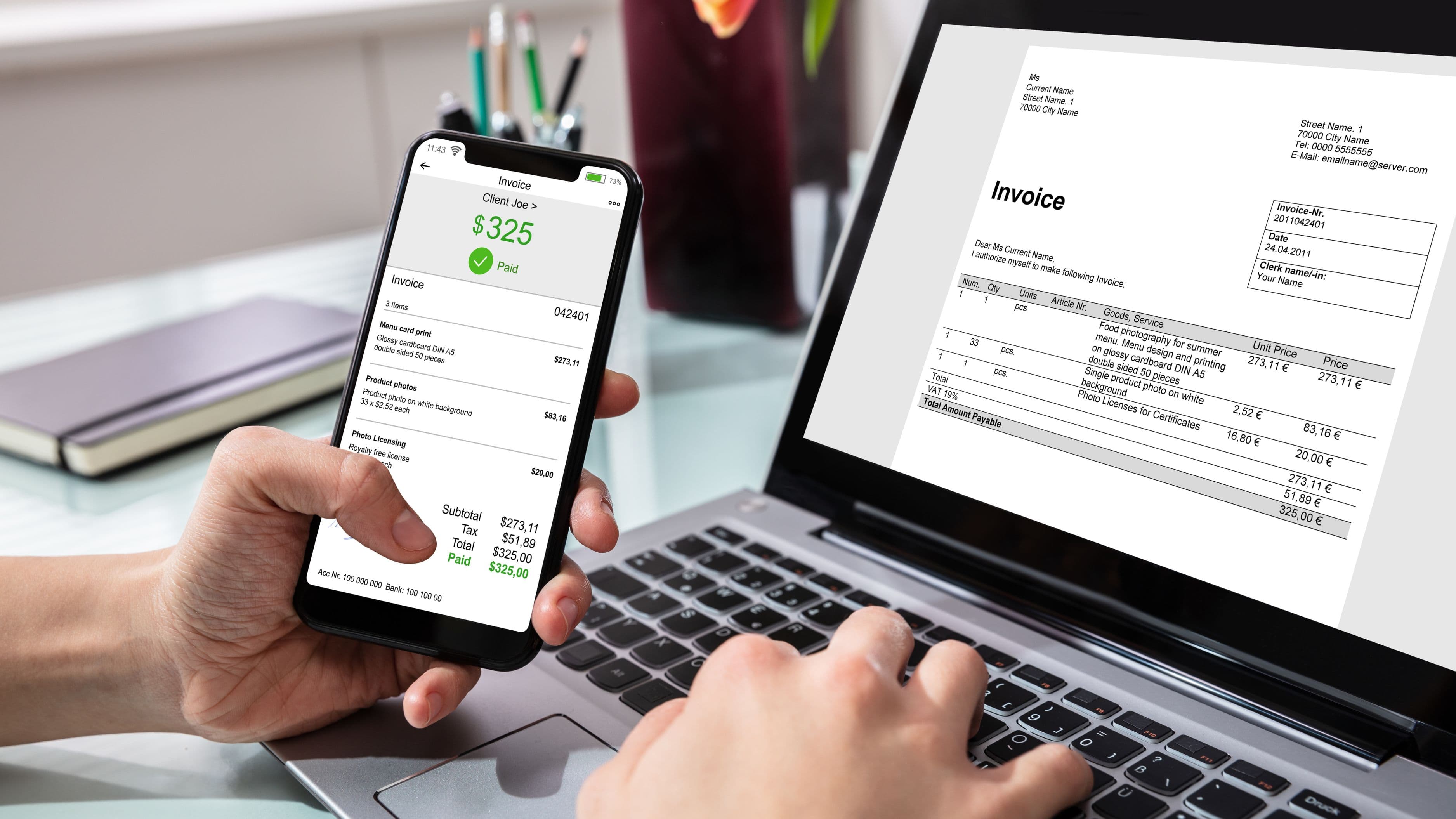
Accounting software isn't just a bookkeeping tool. It's the system that tracks whether your business is actually making money, tells you how much tax you'll owe, shows whether customers are paying you on time, and gives your accountant or bookkeeper what they need at the end of the year. Getting it wrong creates real problems – messy records, unexpected tax bills, invoices that fall through the cracks, and hours of cleanup work that could have been avoided.
The good news is that you don't need to understand double-entry bookkeeping or the chart of accounts to pick the right software. You need to understand your business, your current pain points, and a handful of practical questions that will narrow the field quickly.
Step 1: Get Clear on What You Actually Need
Before comparing products, spend five minutes honestly answering these questions. They'll eliminate most of the options you don't need.
How do you currently handle money? If you're a freelancer or solo operator who invoices clients and tracks a handful of expenses, your needs are very different from a retailer with inventory, employees, and multiple revenue streams. Simple businesses need simple software. Complex businesses need more horsepower.
Do you have employees or contractors? If yes, you'll need payroll functionality – either built into the software or integrated with a payroll provider. This is a major feature dividing line between accounting platforms.
Do you sell physical products? Inventory tracking is a significant feature not all platforms handle well. If you carry stock, this matters from day one.
How often do you invoice customers? A business that invoices 200 clients per month has different invoicing needs than one that invoices 3. Volume and customization requirements matter.
Do you work with an accountant or bookkeeper? If you do – or plan to – the software your accountant already uses or recommends carries real weight. Working in the same system avoids export headaches and reduces billable hours at tax time.
What's your realistic monthly budget? Accounting software ranges from free to $150+ per month for small businesses. Knowing your ceiling before you start avoids the temptation to overbuy on features you won't use.
Step 2: Understand the Main Players and What They're Actually For
Rather than trying to evaluate every platform on the market, here's an honest breakdown of where the major options actually fit.
QuickBooks Online is the dominant player for a reason – it handles everything from simple invoicing to complex multi-entity bookkeeping, integrates with nearly every third-party tool, and most accountants know it well. That breadth comes with tradeoffs: it's more expensive than competitors (plans start around $35/month and scale up quickly), the interface can feel cluttered for simple use cases, and support quality has been inconsistently reviewed. It's the best fit for growing businesses that need room to scale, work with an accountant who already uses it, or have moderately complex needs like project tracking, class tracking, or more sophisticated reporting.
Xero competes directly with QuickBooks for small-to-medium businesses and is particularly popular with businesses that have operations in multiple countries or need strong inventory features. Its interface is cleaner than QuickBooks for many users, its integration ecosystem is extensive, and it's generally priced similarly (plans start around $15/month, scaling up with features). The main knock against Xero is that phone support isn't available – support is email and chat only – which matters if you expect to need help. It's a strong pick for businesses with international operations, e-commerce, or those whose accountants prefer it.
FreshBooks is purpose-built for service businesses and freelancers who prioritize invoicing, time tracking, and client management over complex accounting features. It's simpler and more intuitive than QuickBooks or Xero for people who primarily invoice for services, and it handles project-based billing particularly well. Its accounting features are less robust – the reporting is more limited and it doesn't handle inventory. For sole proprietors, consultants, agencies, and anyone whose primary workflow is invoice-and-get-paid, FreshBooks is worth serious consideration. Plans start around $17/month.
Wave is free for invoicing and accounting (it charges for payroll and payment processing). For very early-stage businesses, solo operators, and freelancers who need basic invoicing and expense tracking without monthly fees, Wave is genuinely useful. The tradeoff is limited integrations, basic reporting, and support that leans heavily on self-service resources. It's not a long-term solution for growing businesses, but it's a reasonable starting point for businesses not yet ready to pay for software.
Zoho Books is often underrated. It's significantly more affordable than QuickBooks or Xero (plans start around $15/month, with a free tier for businesses under $50K annual revenue) and covers a wide feature set including inventory, project tracking, and solid reporting. It integrates well with the broader Zoho ecosystem of business tools. The main limitation is that it's less commonly used by accountants in the US, which can create friction if you work with an external bookkeeper or CPA who doesn't know the platform.
Step 3: Match the Software to Your Business Type
There's no universally best accounting software, but there are clearly better fits for specific situations.
Solo freelancer or consultant: Start with Wave (if free matters more than support) or FreshBooks (if invoicing workflow and time tracking are important). You can always upgrade when complexity demands it.
Service business with 1–10 employees: FreshBooks handles the simple end well; QuickBooks Online Simple Start or Essentials handles more complexity. If you need payroll, QuickBooks Payroll integration is seamless.
Product-based business or retailer: QuickBooks Online Plus or Xero for the inventory tracking features. Don't try to run inventory on Wave or FreshBooks – they're not built for it.
Growing business with an accountant: Use whatever your accountant recommends. Working in the same system saves money on bookkeeping and eliminates the "can you export this in a format I can use" conversation. If your accountant is agnostic, QuickBooks Online is the safest default.
E-commerce business: Xero and QuickBooks Online both have strong Shopify, WooCommerce, and Etsy integrations. A2X (an add-on that sits between e-commerce platforms and accounting software) is worth knowing about for high-volume sellers.
International operations or multi-currency: Xero handles multi-currency better than most alternatives and is worth prioritizing if this is relevant to your business.
Step 4: Trial Before You Commit
Every major accounting software offers a free trial, and you should use it – not just to click around, but to actually run your business in it for a week or two. Import your bank account, create a real invoice, categorize some transactions, and run a basic profit and loss report. If you can't do those things without consulting a help article on every step, that's data.
Pay attention to these things during the trial: How long does it take to create an invoice? Can you find your income and expense breakdown easily? Does the bank connection work reliably? When you get stuck, is the help documentation actually useful? These day-to-day friction points matter more than feature lists.
If you work with an accountant, loop them in before the trial period ends. A five-minute conversation about which platform they prefer – and why – can save you a painful migration later.
What to Avoid
Buying based on feature lists without trying the product. More features don't mean better software for your situation. Many small businesses are paying for features in QuickBooks Plus that they've never used and don't need. Match the purchase to your actual workflow, not an aspirational one.
Choosing the cheapest option by default without considering accountant compatibility. If you have a bookkeeper or CPA and you choose software they don't use, you'll pay for that friction in higher accounting fees. The cost of accountant-unfamiliar software often exceeds the cost difference between platforms.
Ignoring payroll before you need it. If you plan to hire employees in the next 12 months, factor payroll capability into your software choice now. Migrating accounting software mid-year is annoying; doing it while also setting up payroll is significantly worse.
Using personal banking apps or spreadsheets as a substitute. A number of business owners track finances in Excel or Google Sheets long past the point where dedicated software would save them time and reduce errors. Spreadsheets don't reconcile with bank accounts, don't produce tax-ready reports, and don't give you real-time visibility into cash flow. They work until they don't – and the failure mode is usually right before a tax deadline.
Waiting until you're overwhelmed to set this up. Retroactive bookkeeping – reconstructing a year's worth of transactions after the fact – is expensive and time-consuming. The best time to set up accounting software is when your transaction volume is small enough that setup is quick. The second-best time is right now.
One More Thing: You Probably Don't Need to Understand Accounting to Use This
Good accounting software is designed so that you can do the basics – invoicing, expense categorization, connecting your bank account – without understanding debits and credits. You enter income, you enter expenses, you run a profit and loss report, and the software handles the accounting entries behind the scenes.
Where you will eventually want a real accountant is for: setting up your chart of accounts correctly at the beginning, filing your annual taxes (especially if you're an S-corp or LLC with complexity), making major financial decisions like taking on debt or bringing in investors, and reviewing your numbers quarterly to make sure the books are clean. The software handles the data; a professional handles the interpretation and the strategy. Understanding which is which keeps you from overpaying for either.
FAQ
Is free accounting software good enough for a small business? For a solo operator or very early-stage business, yes. Wave in particular is a legitimate free option for basic invoicing and expense tracking. The limitations become more noticeable as transaction volume grows, as you bring on employees, or as you need more detailed reporting. Think of free software as a starting point, not a long-term strategy.
Do I need accounting software if I have a bookkeeper? Yes – your bookkeeper needs somewhere to work. Most bookkeepers use QuickBooks Online or Xero and will either set it up for you or require you to have an existing subscription. Some full-service bookkeeping services include the software in their fee. Ask upfront.
Can I switch accounting software later if I outgrow it? Yes, but it's disruptive. Migrating historical data between platforms is technically possible but often messy – most migrations bring over a starting balance and go forward from there, with historical detail staying in the old system. The best strategy is to choose a platform you can grow with rather than starting over-simplified with the expectation of migrating.
How important is mobile access? Depends on how you work. If you primarily work at a desk, the web app is sufficient. If you're frequently on-site with clients, sending invoices from a job site, or tracking expenses from your phone while traveling, mobile app quality matters. FreshBooks and QuickBooks have strong mobile apps. Wave's mobile experience is more limited.
What about tax filing – does accounting software do that? Accounting software prepares your financial records so that tax filing is easier – it doesn't file taxes for you. Some platforms (QuickBooks, for example) integrate with TurboTax for individual returns, or with professional tax software your accountant uses. The software organizes and categorizes your income and expenses; a CPA or tax software uses that information to prepare and file your return.
📚 Sources
QuickBooks – QuickBooks Online Pricing and Plans: https://quickbooks.intuit.com/pricing/
Xero – Xero Pricing Plans for Small Business: https://www.xero.com/us/pricing-plans/
FreshBooks – FreshBooks Pricing: https://www.freshbooks.com/pricing
Wave – Wave Accounting Features Overview: https://www.waveapps.com/accounting
IRS – Small Business and Self-Employed Tax Center: https://www.irs.gov/businesses/small-businesses-self-employed